
Understanding your audience's behavior and your traffic sources is key to your success with Podia. This is where Google Analytics comes in! This blog post will guide you through the process of integrating Google Analytics with your Podia storefront, step by step.
Let's dive in!
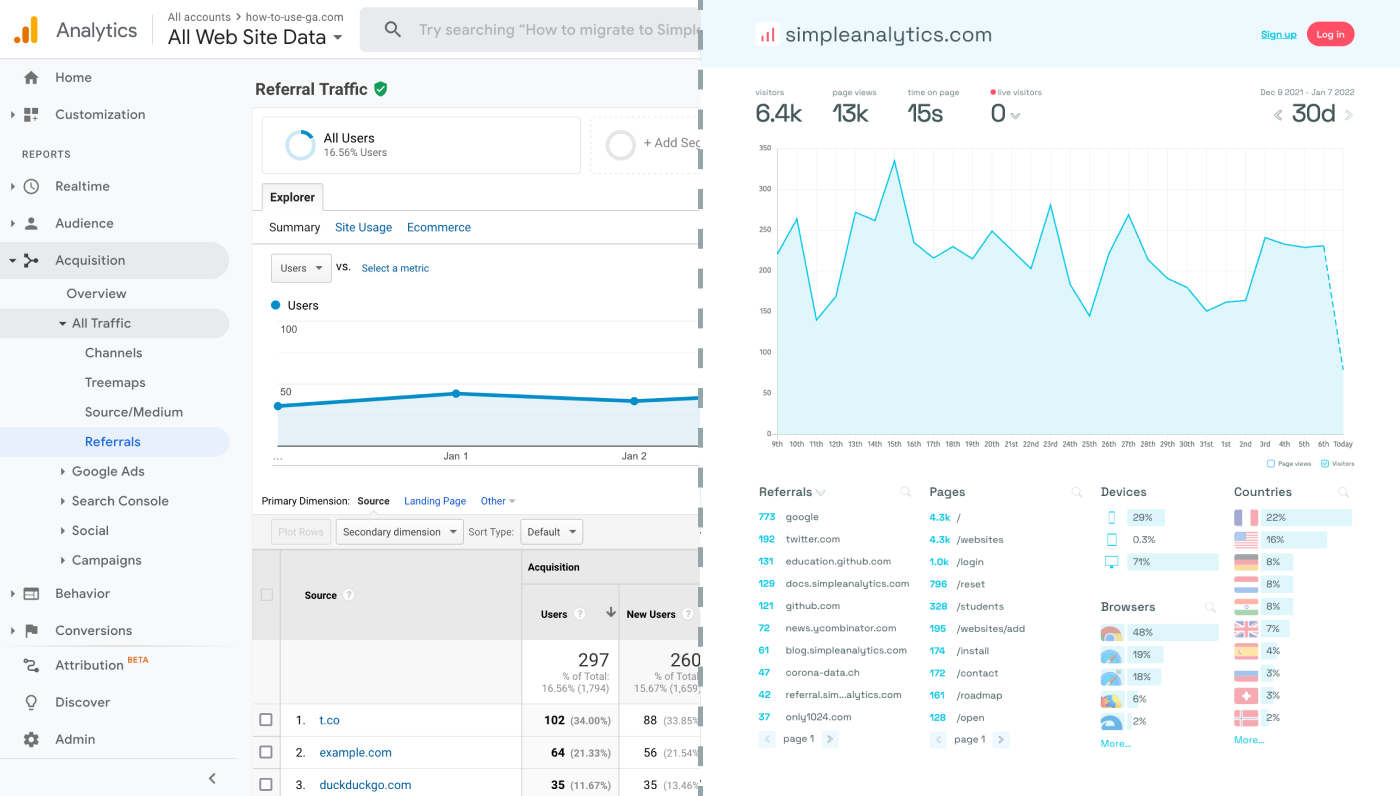
Before we dig in you need to know that Google Analytics is complex and a bit clunky. There are other options that give you the same insights in a slick and straightforward dashboard.
Simple Analytics is one of them. A privacy-friendly and simple analytics tool - just the insights you need in a straightforward dashboard. (And its also free yes).
All right, now let's get into answering your question!
Set Up Google Analytics
Before you can integrate Google Analytics with Podia, you'll need to have a GA4 property set up for your website. Here's how to set it up:
- Visit the Google Analytics website and log in with your Google account. If you don't have an account, you'll need to create one.
- Once logged in, click to create a new property. Select "Web" as the platform.
- Enter the details for your website. After completing the setup, Google will provide you with a Measurement ID (beginning with "G-"). This ID is crucial for integrating GA with your Podia storefront.
Integrate Google Analytics with Your Podia Storefront
Integrating GA with your Podia storefront is straightforward. Follow these steps:
- Log into your Podia account and navigate to your Settings page.
- Look for the Analytics section, where you'll find the option to add your Google Analytics Measurement ID.
- Enter your Measurement ID and save your changes.
- (Optional) Create new properties: to track multiple websites, create new GA properties and use different Measurement IDs for each websites, so that GA does not conflate the data.
With these steps, your Podia storefront is now connected to Google Analytics, and GA will start collecting data on how users interact with your site.
Final Thoughts
Adding Google Analytics to your Podia page can give you great insights. However, ask yourself: is Google Analytics the right tool for you?
GA is an overpowered solution for straightforward analytics. If you're looking for a simple and intuitive dashboard with the insights you need, there are better alternatives.
If this resonates with you, feel free to give Simple Analytics a spin. You just need to add the script to your app and off you go. This takes about one minute- and there is a free version as well!
Enjoy!