
Google Analytics helps you track visitor behavior and measure your website’s performance. Bolt is an AI-powered developer tool, and integrating Google Analytics with it requires adding the tracking script manually.
- Create a Google Analytics account
- Get your Google Analytics measurement ID
- Add the Google Analytics tracking code to Bolt
- Verify the setup
- Final Thoughts
Before we dig in I want to show you something. I promise it's worth it...
Google Analytics is great, but also complex and a bit clunky. If you just want a straightforward dashboard with the insights you need, GA is not a great place to start. Additionally, Google doesn't care about privacy and GA requires an annoying cookie banner.
That's why we built Simple Analytics, a privacy-friendly and simple analytics tool - no personal data, no cookies, just the insights you need in a straightforward dashboard.
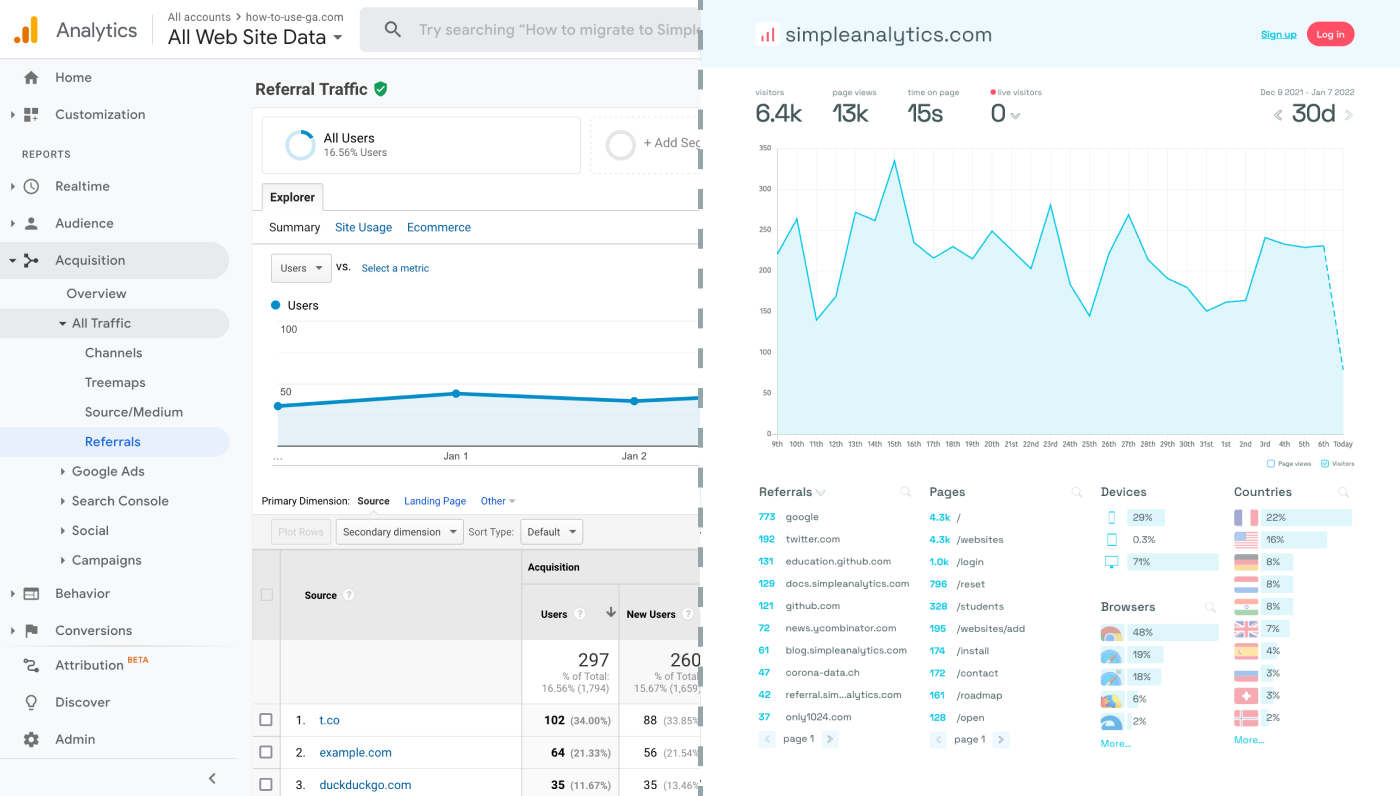
Here is how it looks vs GA. Feel free to check our live analytics to get an idea for your project. (It is free btw)
All right, enough about us. Now let's get into answering your question!
Create a Google Analytics account
If you haven't set up Google Analytics yet, visit Google Analytics and create a new property for your application.
Get your Google Analytics measurement ID
- Navigate to Admin > Data Streams.
- Select your website or app property.
- Copy the Measurement ID (e.g.,
G-XXXXXXXXXX).
Add the Google Analytics tracking code to Bolt
Since Bolt is an AI-powered developer tool, check if it allows embedding custom scripts. If it does, follow these steps:
- Locate the section where you can inject custom JavaScript.
- Paste the following Google Analytics tracking code inside the appropriate script area:
<script async src="https://www.googletagmanager.com/gtag/js?id=G-XXXXXXXXXX"></script>
<script>
  window.dataLayer = window.dataLayer || [];
  function gtag(){dataLayer.push(arguments);}
  gtag('js', new Date());
  gtag('config', 'G-XXXXXXXXXX');
</script>- Replace
G-XXXXXXXXXXwith your actual measurement ID.
Verify the setup
- Open Google Analytics.
- Go to Reports > Real-time.
- Perform an action in Bolt and check if your activity appears in the real-time data.
Final Thoughts
Adding Google Analytics to Bolt should be straightforward if you can edit the website’s <head> section.
If you're for something more simple and privacy-friendly, check out Simple Analytics. We offer a lightweight and user-friendly tracking solution without compromising user privacy.